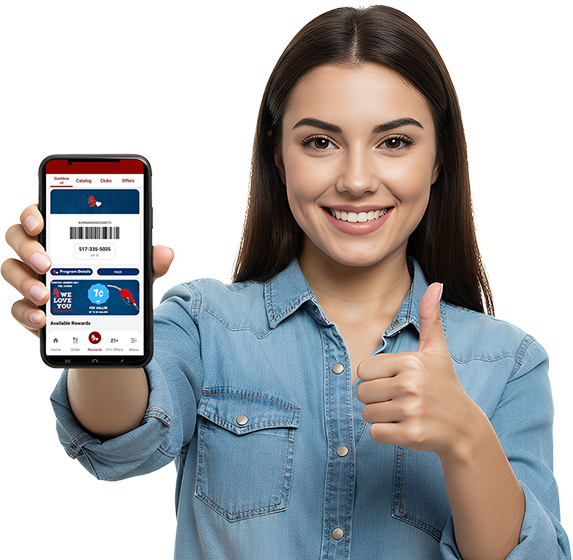
Don’t have a smart phone? Click here.
Sign up for PS Rewards and start saving today!
Join Rewards
Get 500 Bonus Points

Get 500 Bonus Points







Points cannot be earned on the following items: tobacco, money orders, lottery, electronic cigarettes, and gift cards.


Scan the QR code to download the app.
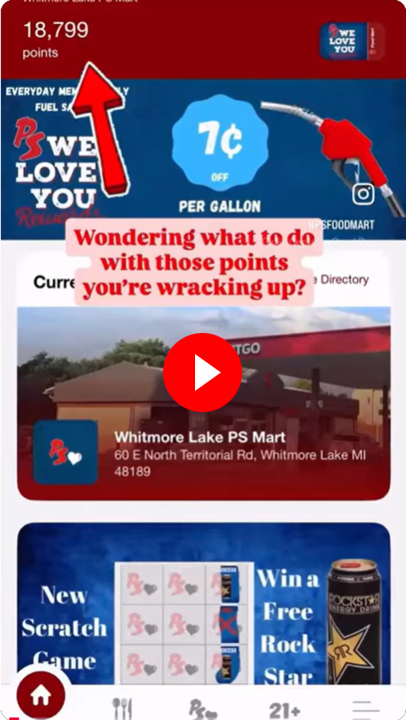
Watch video to learn how to redeem points in our catalog.
Buy 6
coffees (any size).
Get 7th free.
Buy 6
Pepsi products.
Get 7th free.
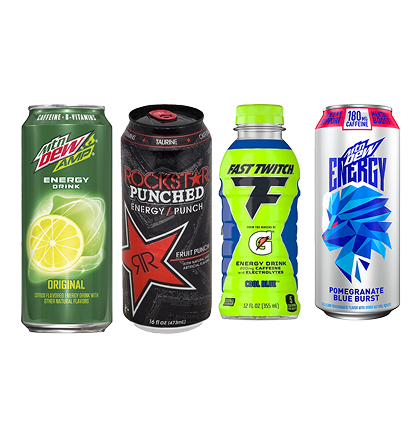
Buy any 6
Mt Dew Amp, Rockstar, Fast Twitch, or Mt Dew Energy drinks.
Get 7th free.
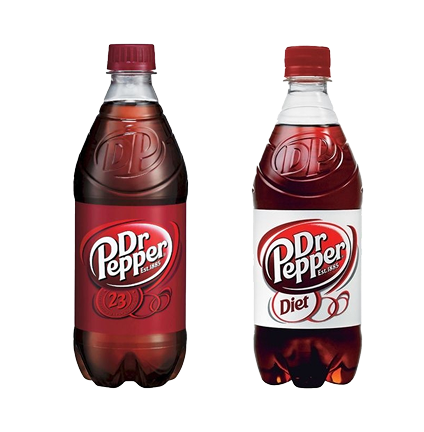
Buy 6
20oz Dr Pepper products.
Get 7th free.
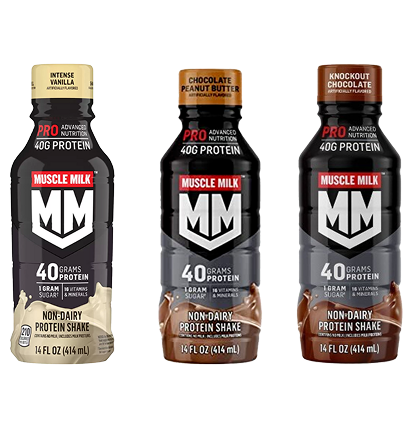
Buy 6
Muscle Milk.
Get 7th free.
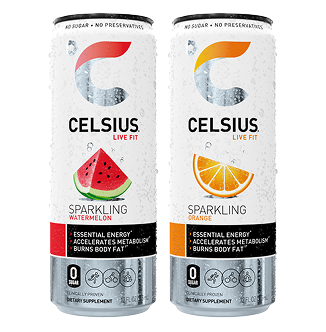
Buy 6
Celsius drinks.
Get 7th free.
Order 6 times
get free delivery
on your 7th order.
Please download our app from the Apple store or the Google Playstore or visit us online at https://rewards.psfoodmart.com.
You must use a form of a loyalty ID with each transaction to get credit. There are many loyalty ID options you can choose from and they can all be used interchangeably. You can use your rewards card or fob, mobile ID or Alt ID you entered into your registration profile with every in-store or fuel transaction to participate in the program. While some restrictions apply, you should use your loyalty ID with every transaction for full program benefits.
Although a physical card is not needed to participate in the program, you can visit one of our stores to get a rewards card. Be sure to register your card upon receipt to take full advantage of our program. If you already have an account, you will need to link your new physical card to your pre-existing account.
Although you may be using your card for each transaction and accruing points and rewards, unless you have linked your card to your account you will not see your rewards status update on the app, or website. At any time, you can create an account or use an existing one and link your card. Once you link your card, then your reward status will update on the app or website.
Yes, you can link multiple cards to your loyalty account.
You can start earning points right away! Earn 10 points for every gallon of fuel purchased and 20 points for every $1.00 spent on eligible merchandise in our stores. To redeem your points, you will need to register and shop our PS We Love You Rewards catalog from the mobile app.
You will earn points on most purchases. Unfortunately, points cannot be earned on alcohol, tobacco, lottery, cash advances, bottle deposits, and pre-paid cards. There will be occasional offers available for tobacco or beer products to our customers of legal age to purchase, but points cannot be earned for these purchases.
Special member pricing is automatically applied when you purchase a qualifying item and use your loyalty ID at the register or at the pump. If you have already redeemed an item from the PS We Love You Rewards catalog you are all set – just use your loyalty ID with the item you redeemed your points for and the discount is automatically applied.
You must be registered to receive some of our special rewards. Once you have successfully registered, the Welcome Reward will appear in your My Rewards section of the mobile app or website once you have logged in. This may take up to 24 hours. Your Birthday Reward will be issued 7 days prior to your birthday entered in your profile and will be good for 30 days. It will also appear in our mobile app or website.
Points will expire after 12 months. You will get an account statement monthly showing any points expiring.
Most rewards will expire 30 days from when you earn them. Some may have shorter expiration dates. You can always visit Rewards on the app or website to view your individual reward expiration dates, they will be updated in real time.
You can check your rewards status a few different ways. The easiest method is to download the PS We Love You Rewards app from your phone’s app store and sign in or, you can go to rewards.psfoodmart.com and sign in.
When attempting to login to your account from the mobile app, or website there will be a button for “Forgot Password?” Click that and an automated email will be sent to your email address, guiding you through logging back into your account.
There may be an issue with your phone number being connected to multiple accounts. For security reasons, if multiple people register with the same phone number and attempt to use it as an Alt ID, it will not work. Please follow our Issue Resolution process if this does not resolve your issue.
You can update your information in the settings of your account. Access the settings of your account 1 of 3 ways. You can download the PS We Love You Rewards app from the app store and sign in, visit us online at rewards.psfoodmart.com and sign in.
If you have completed the registration process and are not receiving emails or notifications, first check your email address in your profile, just navigate to "Menu" > "Add Loyalty Card/Edit Account" > "Edit Account" and verify your email address. You can also check to make sure your devices App settings are set to allow notifications for the "Ps Food Mart" app.
First, unlink your lost card from your account via the app, or website by going to Menu" > "Add Loyalty Card/Edit Account", tap on your card and then tap Remove Card. Go to any store, get a new card and then link this card. It will transfer over all your points and rewards. Also, you don't actually need to physical card, you can use your Mobile ID number.
You will need separate credentials for the "PS We Love You" rewards program. The programs are not linked in any way.
We have updated our program to issue "PS Cash", which is an in-store credit equivalent to a gift card. You can use your "PS Cash" to purchase a gift card if you like. Once your points are redeemed for "PS Cash" the balance will be automatically applied to your next purchase if you enter your Mobile ID or scan you PS card at the checkout. “PS Cash” can not be used to purchase fuel, alcohol, tobacco, lottery, sales tax, or deposits.
It can, however, be converted to a physical gift card, and then used on the above excluded items.